MP3 Recorder Online
Record from your microphone and save your take as an MP3
About online MP3 recorder
This is an MP3 recorder that runs in your browser tab. Press Record, allow the microphone, and you are capturing sound with a live waveform and a level meter, with nothing to install and no account to make.
Choose which microphone to use, record in Mono or Stereo, drop markers on moments you want to find again, and pause whenever you need to. When you stop, the take is saved to a list, and you can open it in the editor to export it as an MP3.
Your recordings stay on your own device and are never uploaded, which suits voice notes, interviews and anything private. MP3 files are small and play almost everywhere, so they are easy to share, and the buttons are sized for fingers on a phone or tablet.
How to Record MP3 Audio
Press the red Record button and allow microphone access when your browser asks. Pick a different input from the list if you have more than one microphone, and choose Mono or Stereo.
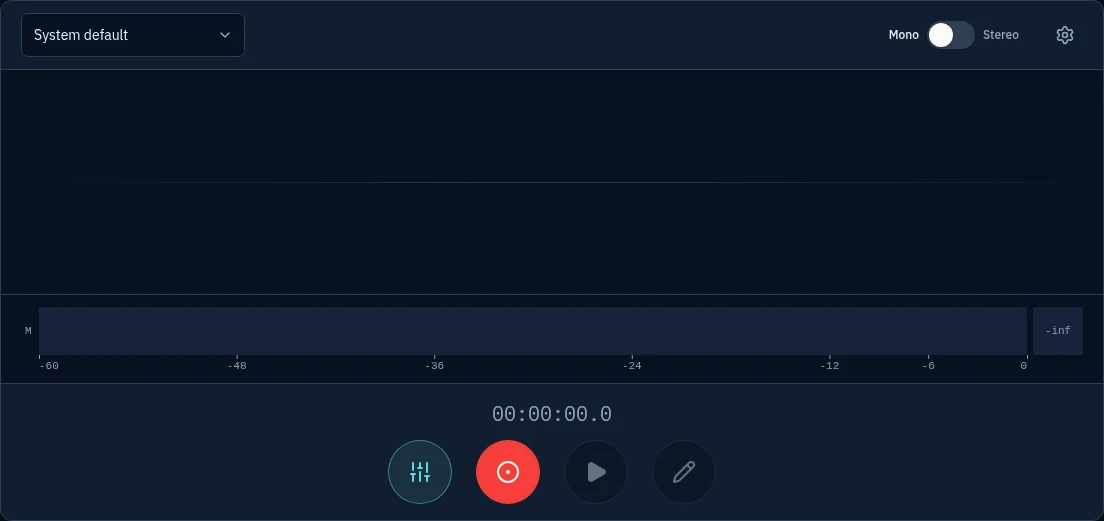
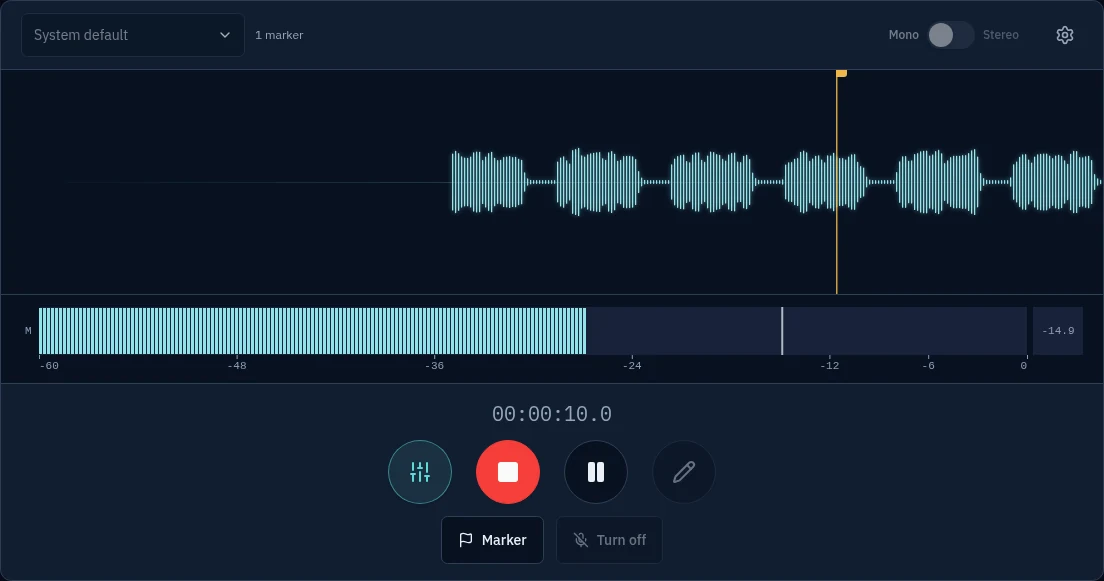
Talk or play. The waveform scrolls as you record and the level meter shows how loud you are. Press Marker to flag a moment you want to find again, or Pause to take a break.
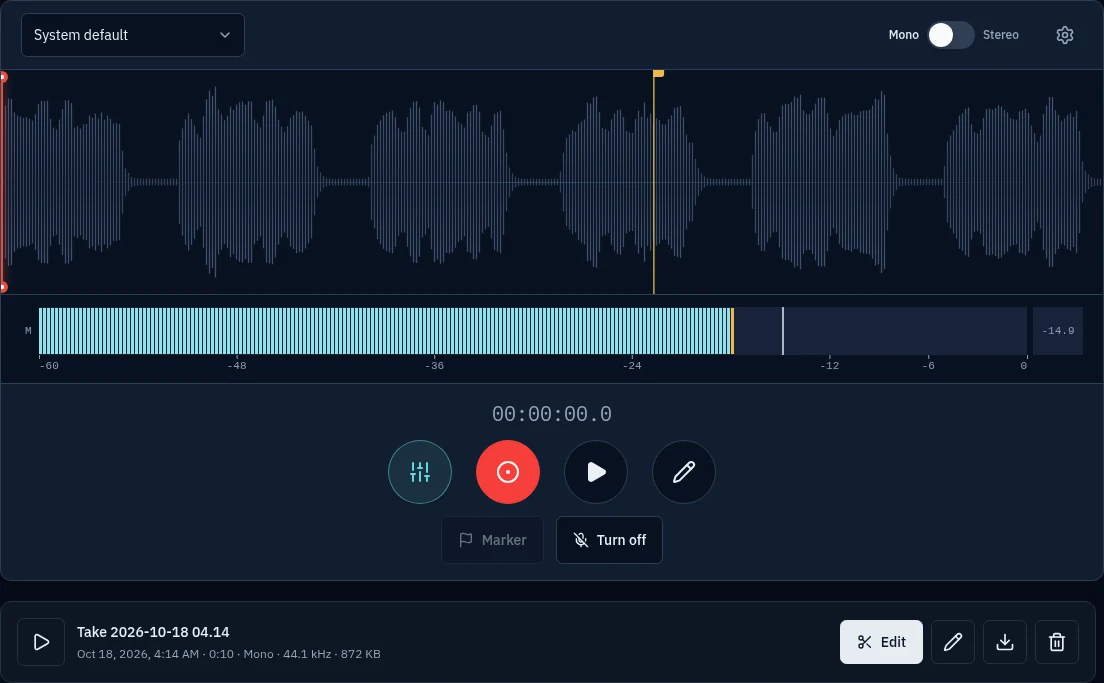
Press Stop to save the take. It appears in your list. Press Edit to open it in the editor, choose MP3 as the download format and save the file.
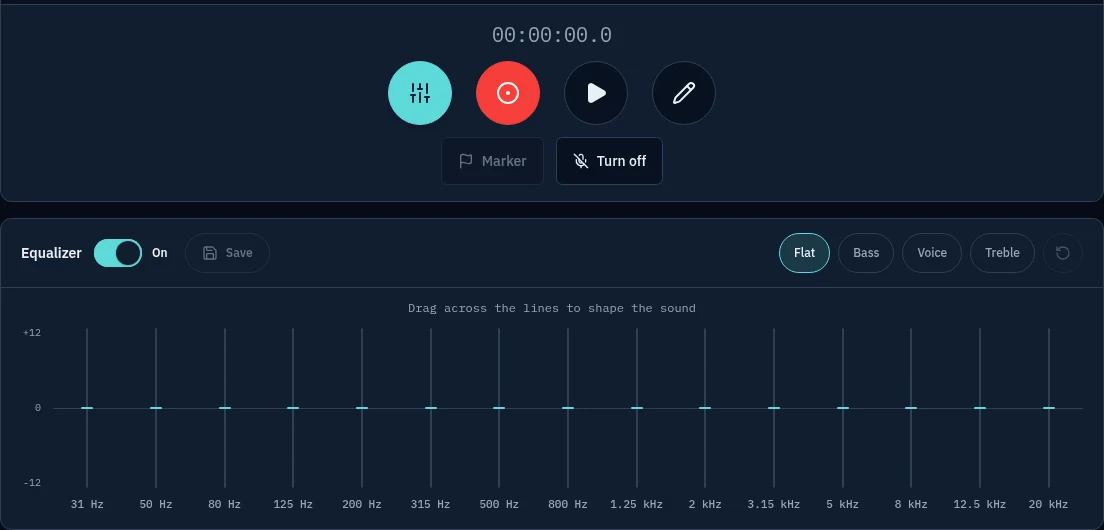
Open the equalizer to shape the sound with Bass, Voice or Treble presets, or drag the bands yourself, then save the result.


MP3 Recorder Features: Microphone Choice, Markers, MP3 Export and Private Recording
- Pick your microphone
- Choose any microphone or audio input connected to your device, and record in Mono for a single voice or Stereo for a wider sound.
- Live waveform and level meter
- Watch the waveform scroll as you record and keep an eye on the level meter, so you can spot a signal that is too quiet or too loud while there is still time to fix it.
- Markers and pause
- Press Marker to flag a moment you want to find again, and pause and resume as often as you like without splitting the take into pieces.
- Export as MP3
- Open any take in the editor and choose MP3 as the download format to get a small file that plays on almost every phone, computer and music player.
- Built-in equalizer
- Shape the sound with fifteen bands from 31 Hz to 20 kHz. Start from the Flat, Bass, Voice or Treble preset, then drag the bands to taste.
- Private and works on any device
- Recordings stay on your own device and are never uploaded. There is nothing to install and no account to make, and the large buttons work as well on a phone or tablet as on a desktop.
FAQ
Is this online MP3 recorder free?
Yes. There is no sign-up, no time limit set by the tool and no watermark.
Are my recordings uploaded anywhere?
No. Recording happens in your browser and the audio stays on your own device. Nothing is sent to a server.
Can I choose which microphone to use?
Yes. Once you allow microphone access, pick any connected input from the list, such as a built-in mic, a headset or a USB microphone, before you start recording.
How do I save my recording as an MP3?
Stop the recording, press Edit on the take to open it in the editor, then choose MP3 as the download format and download the file.
The browser says the microphone is blocked. What do I do?
Click the lock or settings icon next to the web address, set Microphone to Allow, then reload the page and press record again.
Does it work on a phone or tablet?
Yes. The recorder is built for touch, so the large buttons work the same on a phone or tablet as on a desktop.